The Best External Hard Drives
How we picked: we weigh the strongest independent expert reviews, real manufacturer specs, and thousands of verified owner reviews, then name one clear pick per budget and use case. No fake lab tests, and we say plainly what we’d skip. Prices change, so we link out for today’s. Last checked 2026-07-30.
External hard drives are still the cheapest way to store and back up a lot of data, which is exactly what most people need them for. We focused on proven mechanical drives from the brands that dominate this space, and we're honest about where a hard drive is the wrong tool and an SSD earns its higher cost.
 🦉 #1 PICK
WD My Passport
A safe, sensible default for what most people buy an external drive for.
The 7 top picks
WD My Passport
Most people who want a reliable pocket backup driveBest for: Anyone who wants a bus-powered portable drive that just works with their laptop.
The My Passport is the drive we'd hand to most people. It's a compact, bus-powered portable that runs off a single cable, comes in a wide range of capacities, and ships with WD's backup software and optional hardware encryption. It's a mechanical drive, so it's meant for backups and file storage rather than running demanding apps.
- Compact and bus-powered, no wall plug
- Wide range of capacities
- Includes backup software and hardware encryption
- Mechanical speeds, not for active editing
- Plastic enclosure feels utilitarian
🦉 Owl's take: A safe, sensible default for what most people buy an external drive for.
Seagate Portable / Expansion
The cheapest path to more storageBest for: Budget shoppers who just want capacity and plug-and-play simplicity.
Seagate's Portable and Expansion drives are about as no-frills as external storage gets, and that's the point. You get a bus-powered mechanical drive that mounts as soon as you plug it in, usually at one of the lowest costs per terabyte you'll find.
- Very low cost per terabyte
- Plug-and-play, no setup
- Bus-powered and pocketable
- Minimal bundled software
- Basic build quality
🦉 Owl's take: When the goal is maximum terabytes for the least money, this is the obvious pick.
WD Elements Desktop
Big at-home backups and archivesBest for: Anyone backing up a whole computer or archiving large libraries at a desk.
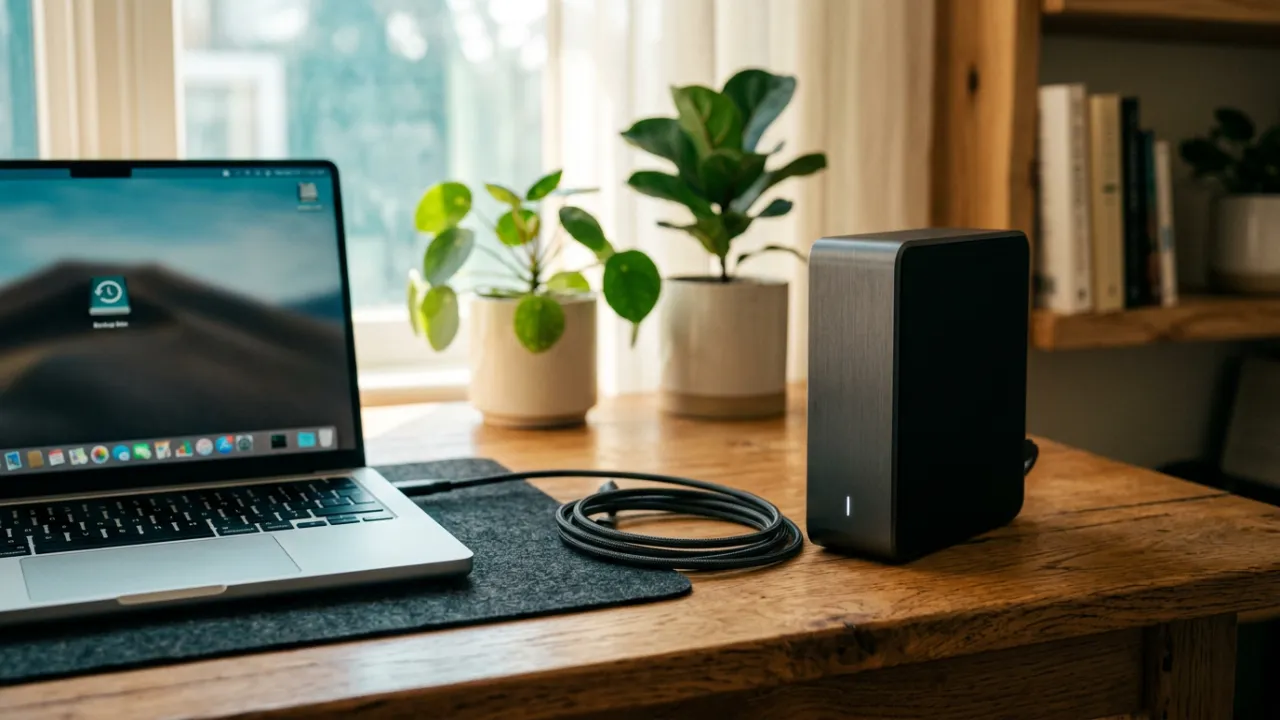
For serious backup capacity, a desktop drive like the WD Elements Desktop gives you far more terabytes than any portable, at a lower cost per terabyte. The tradeoff is that it uses a 3.5-inch mechanical drive that needs its own power adapter, so it lives on your desk rather than in your bag.
- Large capacities at low cost per terabyte
- Great for full-system backups and archives
- Simple, reliable enclosure
- Needs an external power adapter
- Not portable
🦉 Owl's take: The most storage for the money if you don't need to carry it around.
Seagate One Touch
A portable drive with built-in backup toolsBest for: People who want scheduled backups and a slightly nicer design.
The One Touch is Seagate's more polished portable, with a fabric-topped enclosure and bundled backup software that can run scheduled backups. Under the hood it's still a mechanical drive aimed at storage and backup, not high-speed work.
- Includes scheduled backup software
- Cleaner design than base models
- Bus-powered and compact
- Mechanical speeds
- Software value depends on your OS
🦉 Owl's take: A tidy portable for people who want backup software handled for them.
Toshiba Canvio
A dependable no-nonsense alternativeBest for: Shoppers who want a plain, affordable portable from a third major brand.
Toshiba's Canvio line is the quiet third option alongside WD and Seagate, offering straightforward bus-powered portable drives at competitive prices. Different Canvio tiers add small extras like password protection or a more rugged shell, but the core appeal is a simple mechanical drive that shows up and stores your files.
- Competitive pricing
- Simple plug-and-play use
- Bus-powered and portable
- Fewer capacity options at the top end
- Modest bundled software
🦉 Owl's take: A solid backup drive to have in the mix when you're comparing prices.
WD Black P10 Game Drive
Expanding console and PC game librariesBest for: Console and PC gamers who need cheap space for their library.
The WD Black P10 is a portable hard drive styled and marketed for gamers, with a metal top and a game-focused design. On a PS5 or Xbox it's a cheap way to store games, and it can play last-gen titles directly, though current-gen games generally still need internal SSD storage to run.
- Roomy, affordable game storage
- Sturdy metal-topped enclosure
- Works with consoles and PC
- Too slow to run current-gen console games directly
- Mechanical load times
🦉 Owl's take: A budget-friendly way to grow a game library, within a hard drive's speed limits.
LaCie Rugged
Creators who haul drives on locationBest for: Photographers and videographers who need durable field storage.
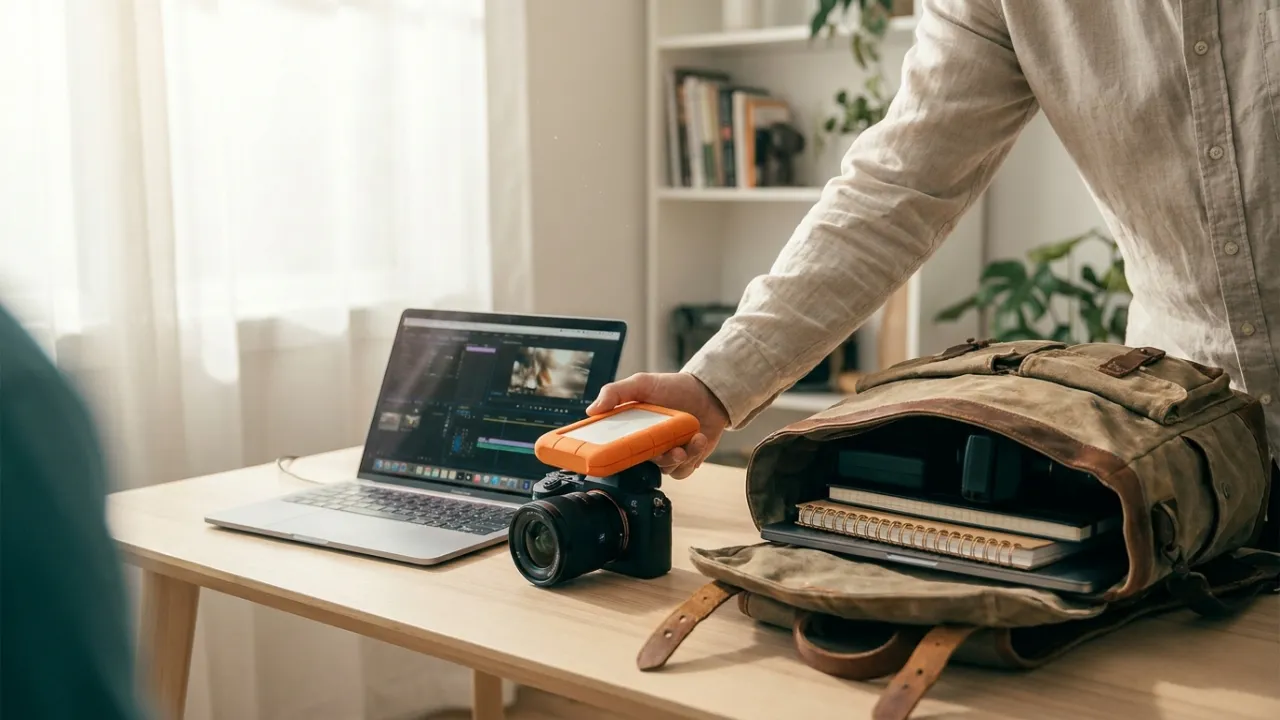
The LaCie Rugged is the drive to grab when it's going to leave the desk and get knocked around, wrapped in its signature shock-resistant orange bumper. It's a favorite for offloading and archiving photo and video footage in the field, and it often includes a software or recovery-service bundle aimed at creators.
- Shock-resistant, travel-ready design
- Popular with photo and video shooters
- Often bundles creator software or recovery service
- Costs more than plain portables
- Hard drive speeds limit live editing
🦉 Owl's take: The go-anywhere pick for creators who value durability over raw speed.
Compare all 7
| Pick | Best for | Capacity | Form factor | Interface | |
|---|---|---|---|---|---|
| WD My Passport | Most people who want a reliable pocket backup drive | 1-6TB | Portable | USB-C / USB 3.0 | Check ↗ |
| Seagate Portable / Expansion | The cheapest path to more storage | 1-5TB | Portable | USB 3.0 | Check ↗ |
| WD Elements Desktop | Big at-home backups and archives | 4-22TB | Desktop | USB 3.0 | Check ↗ |
| Seagate One Touch | A portable drive with built-in backup tools | 1-5TB | Portable | USB-C / USB 3.0 | Check ↗ |
| Toshiba Canvio | A dependable no-nonsense alternative | 1-4TB | Portable | USB 3.0 | Check ↗ |
| WD Black P10 Game Drive | Expanding console and PC game libraries | 2-5TB | Portable | USB 3.0 | Check ↗ |
| LaCie Rugged | Creators who haul drives on location | 1-5TB | Portable | USB-C | Check ↗ |
How we choose (and why we don't fake lab tests)
Plenty of sites claim a lab they don't have. We won't. The Gear Owl reads the strongest independent expert reviews, the real manufacturer specs, and thousands of verified owner reviews, then distills them into one clear pick per budget and use case. When a product shines only in specific conditions, we say so. And we link out for live prices, because a price printed today is wrong tomorrow — you deserve the real number, not a stale one.
What we'd skip (and why)
Being honest about what not to buy is half the value of a guide. These come up a lot — we'd pass.
How to choose
Portable vs desktop
Portable drives are bus-powered and run off one cable, so they're easy to carry but top out at lower capacities. Desktop drives use larger 3.5-inch mechanisms that hold far more and cost less per terabyte, but they need a power adapter and stay put. Pick portable for a travel backup, desktop for a big at-home archive.
HDD vs SSD
External hard drives are much cheaper per terabyte than SSDs, which is why they're still the right choice for bulk storage and backups. SSDs are faster and tougher but cost far more for the same space. If your goal is storing a lot of data affordably, a hard drive wins; if you need speed, look at an SSD.
How much capacity for backups
A good rule of thumb is a backup drive with at least as much space as the data you're protecting, and ideally more so it has room to grow and keep version history. For a full-computer backup, buy a size or two above your current used space.
Frequently asked questions
Is an external hard drive good for editing video?
Not really. Mechanical hard drives are fast enough to store and transfer footage, but their speeds make editing directly off the drive sluggish. Use an external HDD to store and archive footage, and edit from internal storage or an external SSD.
HDD or SSD, which should I buy?
For cheap, high-capacity backup and bulk storage, choose a hard drive. For speed, durability, and running apps or editing off the drive, choose an SSD and accept the higher cost per terabyte.
Do I need a portable or a desktop drive?
Choose portable if you want to carry it or run it off one cable, and desktop if you want the most capacity for the money and don't mind a power adapter and keeping it in one place.
How long does an external hard drive last?
There's no fixed lifespan, and any drive can fail without warning. Because of that, never rely on a single drive for your only copy of important data; keep a second backup or a cloud copy as well.
Can I use one external drive with both Windows and Mac?
Yes, but the two systems prefer different file formats. You may need to reformat the drive for your operating system, or use a cross-platform format, if you want it to read and write reliably on both.